How Poor Stock Visibility Causes Production Halts and How to Fix It
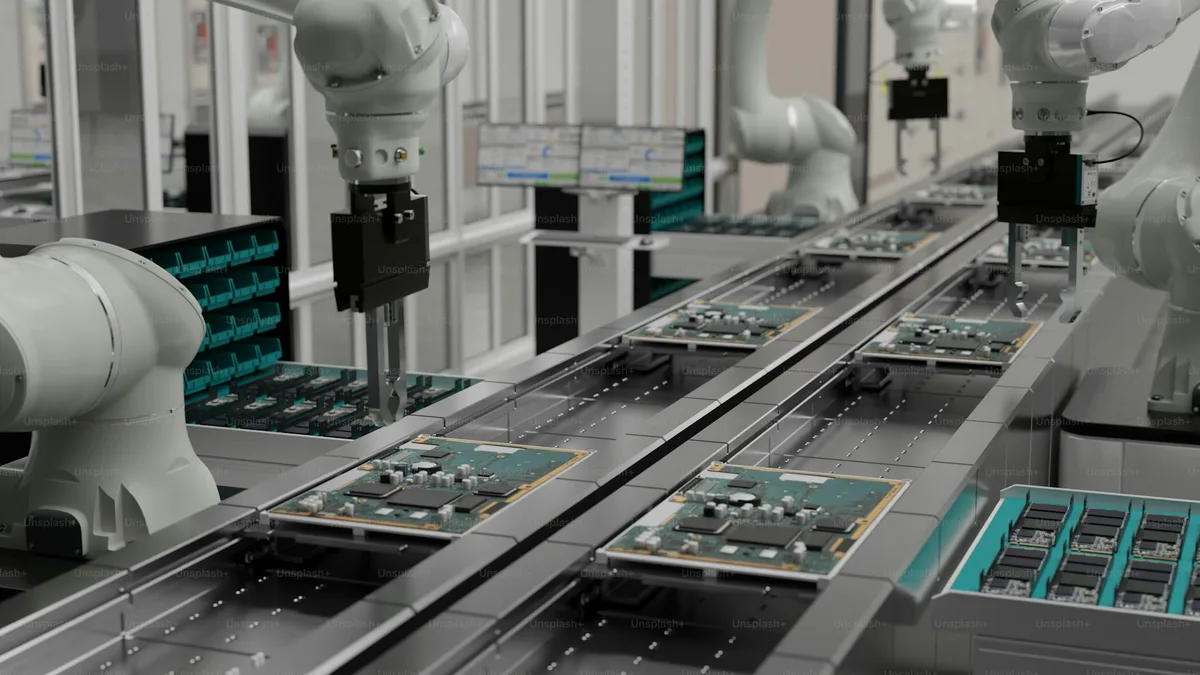
A production halt is one of the most expensive events in electronics manufacturing (or any other type of manufacturing industry, to be fair). The assembly line stops. Engineers troubleshoot. Procurement scrambles. Delivery dates slip. And yet, for most teams that experience one, the root cause was visible weeks before it happened, if only the team had been looking at the right data.
The problem is a lack of the right inventory information: data that reflects not just what you have, but what's committed, what's incoming, and what's actually available to use.
The Trap: On-Hand Stock as the Only Number That Matters
Most inventory systems answer one question well: how much do we have right now? If you have 1,000 units of a component in stock, the system shows 1,000. Simple.
But "1,000 on hand" is nearly meaningless on its own. The questions that actually matter are:
- How much of that 1,000 is already committed to an active production order?
- How much do upcoming builds require?
- What's arriving from suppliers, and when?
Without answers to these questions, a stock count is just a number, not intelligence you can act on.
Available, Allocated and Other Types of Inventory
Allocated inventory is stock that has been committed to a production or sales order but not yet consumed. It might not even physically exist in your warehouse, but you know it will have to in order for you to fulfill your production and sales needs.
Here's where teams get into trouble: a planner looks at the inventory system, sees 1,000 parts, and approves a new production order for 800. But 700 of those parts are already allocated to another build. The actual available quantity is 300, not enough to fulfill the new order.
The fix is to track at least three distinct quantities for every component:
| Quantity | What it means |
|---|---|
| On hand | Physically in stock right now |
| Allocated | Committed to open production orders |
| Available | On hand minus allocated |
Procurement decisions should be made against available quantity or, better yet, your stock balance (more on this below), not against raw on-hand figures.
On top of these types of inventory, some systems distinguish additional states that give even more precision: reserved inventory: stock earmarked for a specific build or sales order that can't be used for anything else; planned inventory: stock currently listed on purchase lists, open purchase orders, or in production plans; ordered inventory: stock that has been ordered and is listed in closed purchase orders; in-production inventory: stock currently being produced; and unavailable inventory: stock that isn't usable or sellable in its current form but that you still want to track.
Is 1,000 Parts Enough? It Depends.
Here's the deceptively simple question at the heart of stock planning: is your current stock level appropriate?
1,000 units of a component sounds like a lot. But if your open production orders consume 400 per week and your reorder lead time is 6 weeks, you're already behind. Conversely, if planned builds only need 20 per week, you're sitting on over a year of stock, capital that could be put to better use.
The answer comes from stock balance: a single figure that weighs everything in motion (available stock, incoming orders, and planned builds) against what's already allocated to production. A negative balance flags an understock before it becomes a halt; a positive one exposes excess before it becomes waste. Without it, you're reacting to problems instead of preventing them.
What Good Planning Looks Like
A well-planned production run starts weeks before the build date:
- Create the production order so it's scheduled and accounted for: allocate that inventory whenever you know when the resulting units are expected, even if it is months away
- Review the stock balance: available and incoming inventory minus what's allocated and your low stock threshold. A negative balance means you don't have enough; zeroed or slightly positive means you're covered. Too high a stock balance means you are overstocking.
- Generate purchase orders for any shortfalls, with enough lead time for standard delivery
- Monitor incoming: confirm deliveries are on track as the build date approaches
- Receive stock and confirm allocated quantities are met
- Unexpected things happen and you might need to use inventory that was previously allocated for something else. At all times you can check your stock balance and understand whether you are currently understocking or overstocking any given component, and proceed accordingly
Done right, shortages don't ambush you; they show up as a negative stock balance days or weeks before they become a problem so you can act on it.
BOMIST tracks all these types of inventory and stock balance in real time, giving your team the full picture of your inventory so you can make better decisions and avoid shortage crisis.

A BOM Without Assembly Instructions Is a Production Liability
A Bill of Materials tells you what to build with. Assembly instructions tell you how to build it. Without both, you're handing assemblers an incomplete blueprint and hoping for the best.

How and When to Compare BOMs
Comparing two BOMs isn't as simple as diffing a spreadsheet. Reference designators, DNP flags, and quantity logic make electronics BOM comparison a specialized problem. Here's how to approach it correctly.
What Is a Multi-Level BOM and How Do You Manage One?
Most real-world electronics products aren't a flat list of parts; they're hierarchies of sub-assemblies. Understanding multi-level BOMs is essential for accurate procurement and production planning.